
100% of us are looking for the perfect time management system that will magically enable us to get everything done. Okay, I made that up. But honestly, how much time have you spent trying out different systems and new applications? Oh, the irony. It’s okay to try out different time management ideas, as long as that’s not all you get done!
A system is a way to organize repeating tasks. For a time management system:
• Select a calendar
• Your work, your way
• Start with to-do today list
• Then add more lists: to do later, or tomorrow or this week, GTD lists, ideas
• Essential goals and projects
• Make lists of repeating tasks
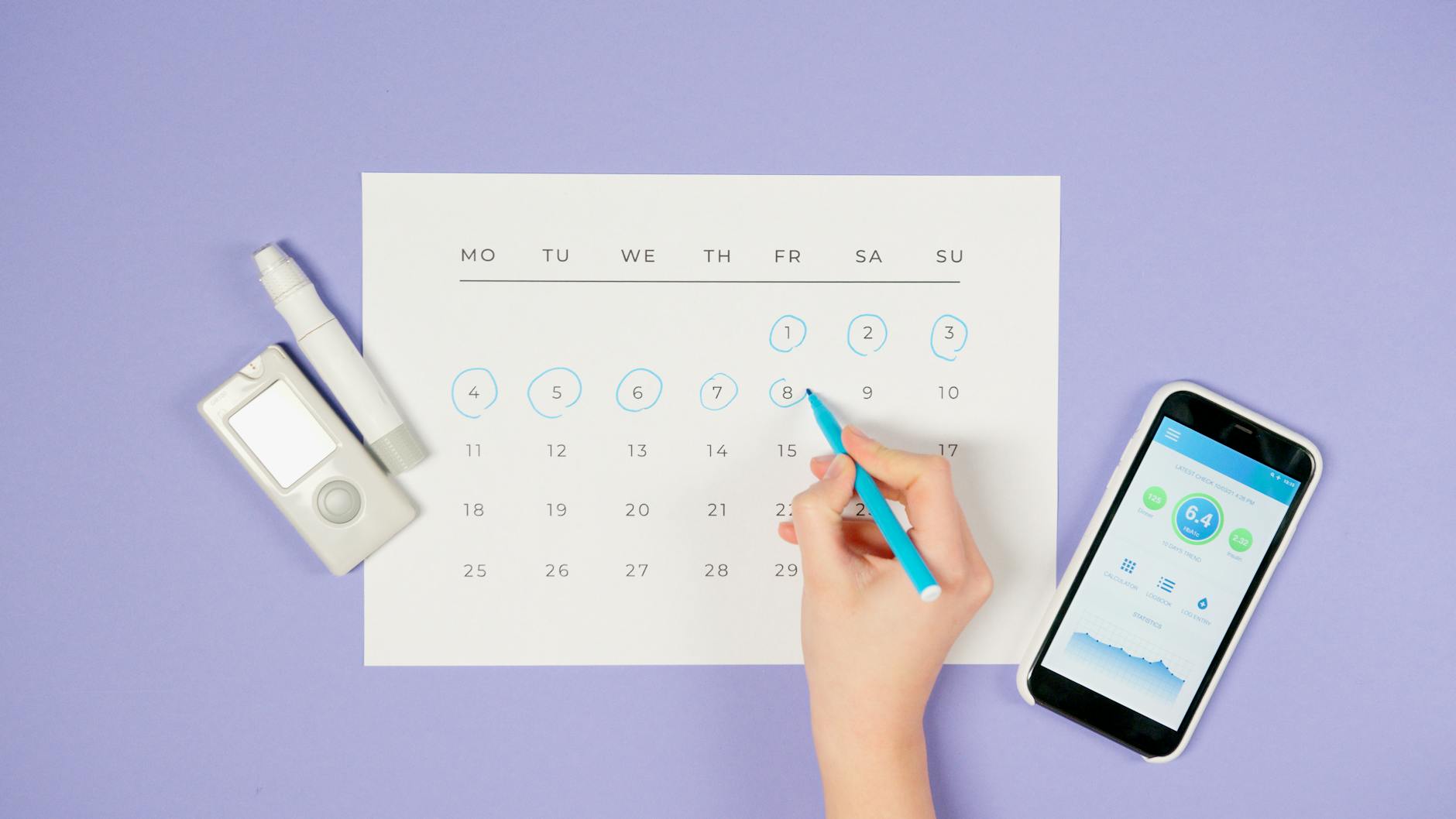
Photo by Artem Podrez on Pexels.com
Select a calendar
The calendar or planner you choose is an important part of your time management system. There are HEAPs of options!
• Hybrid
• Electronic
• Apps
• Paper
Do you love gadgets and own the latest smartphone? Are you a visual person, do you think best when writing things down? You probably have some idea which way you lean, or whether you might work best with a combination or hybrid system. The study of productivity shows that quite a few productivity experts use a combination of electronic and paper to manage their tasks. David Allen, author of the popular Getting Things Done system, uses mostly paper. Leo Babauta of Zen Habits uses a simple system that he calls Zen to Done. There are advantages and disadvantages to different methods. Laura Stack, The Productivity Pro, outlines the advantages and disadvantages of different methods at “Paper vs Electronic.” My personal preference is to rely on Google calendar with Google Keep and Drive for lists and notes. [Learn more about The Daily PlanIt Keep It Super Simple (K.I.S.S.) System that combines the best of both electronic and paper systems.]
As smartphones and tablets have become increasingly popular, many devices come with a system. There are also many apps available to explore. They vary from very simple, like any.do to more complex methods for integrating Getting Things Done. Characteristics of a good productivity app:
- Recurring tasks can be handled
- Easy to use
- Accesilble across plaforms and able to sync
- Priorities can be set and easily changed
- Subtasks or action steps can be handled
Your work, your way
There is no one-size fits all solution. Since we are all different, I believe it takes some experimentation to find something that works well for us. Go to an office store and check out various planners available. Try some things out. The most important thing is to choose a system that works the way you do. Features to look for are a system that is:
- Portable: Large enough to hold all your information, yet small enough you won’t mind carrying it around
- Easy to access wherever you go
- Attractive: well designed forms or screens
- Customizable: can be adapted to work for your needs
- Easy to update
Start with a to do today list
A to do list is an important tool for planning and managing your time to make the most of it.
Then add more lists
The to do today list is best kept simple, so more lists need to be a part of any system:
- To do next, later, tomorrow, this week, or this month
- Repeating or recurring tasks
- Ideas
- Getting Things Done (GTD) lists: next actions, projects, waiting for, and someday/maybe. (I prefer different terminology)
More options to include in a system:
- Daily routine
- Planner checklist
- Planning process outline
- Weekly Plan
- Favorite menu plans, recipes, shopping lists
- Favorite recreational activities
Essential goals and projects
Find a way to include a value statement or USP that AIMs at a vision that is Active, Inspiring, and Meaningful. Plans for action steps to accomplish goals and projects are also an important part of a system.
Make reminders
The best systems have a method to set reminders so important tasks don’t fall through the cracks.
Section possibilities to include:
- Calendar
- Master list
- to-do list
- goals
- projects
- work duties
- repeating tasks
- ideas
- notes
- information
- important dates/gift ideas
- telephone/address
- shopping list
- books to read
- movies to watch
- checklists
Find free printable forms for planners:
- Set of a weekly planning form plus five daily planning forms (pdf) and more at Free Tools
This is the first step of the Time Management Tutorial. With your system in place, you can use it to plan your time to make the most of it. Schedule action steps and do a weekly review to stay on track.
See how I manage my Calendar with a combination of Google, Prodcuctivity Apps and paper.

A paper planner can be a tool for the weekly review.
Further Reading
- Laura Stack, The Productivity Pro also talks about the HUG criteria for time management systems.
- A guide to Learning to Use a Day Planner from chadd.org
- How to set up a basic productivity system from Nextweb
- Productivity Systems from Tuts+
- The PARA system from Forte Labs
- Always Choose Tools You’ll Use and The 4 Key Components of Every Time Management System from timemanagementninja.com
- The Paper Planner Inbox from A Million Monkeys Typing
- GTD Essentials to follow Getting Things Done by David Allen

I seek to create order from the chaos of complex information. Join me at the Daily PlanIt to gain insights, inspiration, and information to increase skills for a better life. I unlock the power of teaching reading with phonics in the pursuit of literacy at www.phonicspow.com. In my spare time I explore books and movies, often choosing titles available on both screen and page.


 Daily PlanIt
[…] goals and keep them visible. Choose a system to capture and execute tasks. List repeating tasks. Determine peak time and use it well. […]
[…] “Leave the Office Earlier” by Laura Stack-choosing electronic or paper system […]
[…] GTD mini system, Calendar & Tickler […]
[…] to see how your week will look in a week view. For each day of the week, what’s on your calendar? What repeating tasks for work and for home need to be accomplished? What meals do you plan to […]
[…] see also: To Do List | Repeating Tasks | Choosing a Time Management System […]
[…] part of my system reboot, I’ve been adding pictures to show how it all fits together. To choose a system that works well, we have to learn if we prefer computer based systems or paper, or a combination. […]
[…] calendar, to do list, and weekly […]
[…] are an important part of any time management system. In an electronic system, there are different options available for lists: Wunderlist and Evernote […]
[…] in meetings, conversations, and phone messages. Learn to recognize and add incoming tasks into your system, and delete the ones you […]
Thanks for tthis blog post
[…] scheduling items in your task management system, look for Very Important Priorities with […]
[…] Review your schedule for the upcoming week – What will you do next week? Look for room in your schedule to add tasks […]
[…] your task management system. Does it still work well for you? Consider doing a time audit to see how you are spending your […]
[…] Things Done: the art of stress-free producitivity” by David Allen, outlines a system for personal productivity. There are 5 steps: Infographic with the 5 stages of […]
[…] Rather than attempting to do it all at once, the different steps can be scheduled into your calendar. This is a part of weekly […]
[…] time and use it well• Include incoming tasks in system• Take time to review progressDO: Use a system to manage tasks and plan, follow a routine to manage energy, use peak time well, and focus on the […]
[…] a specific route. Plan long range and short range. Plan projects. Schedule action steps into your system to-do list or calendar during weekly or daily […]